Issue
- Websites are not accessible when SSL (Secure Socket Layer) scanning is enabled in ESET home or small office applications for Windows
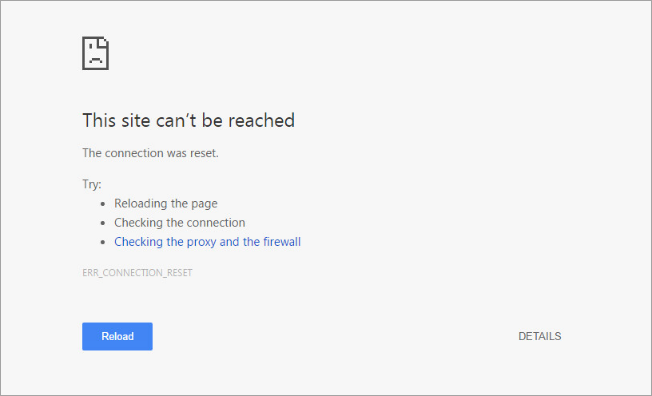
- The message "This site can't be reached" is displayed
- Cloud-based services like Dropbox, Google Apps, Quickbooks Online, and Skype are blocked by ESET SSL scanning
- Wireless devices are blocked by ESET SSL scanning
Details
Click to expand
ESET SSL scanning is a feature that allows or denies network communications based on a system of certificates that legitimate web services use to identify themselves. Sometimes, ESET SSL scanning might deny a legitimate web service or network device because its certificate changes frequently or does not use an SSL certificate.
You can create exceptions to SSL scanning in ESET home or small office applications for Windows to allow communications with these services or devices.
Solution
-
Close any web browsers and email clients before proceeding.
-
Open the main program window of your Windows ESET application.
-
Press the F5 key to access Advanced setup.
-
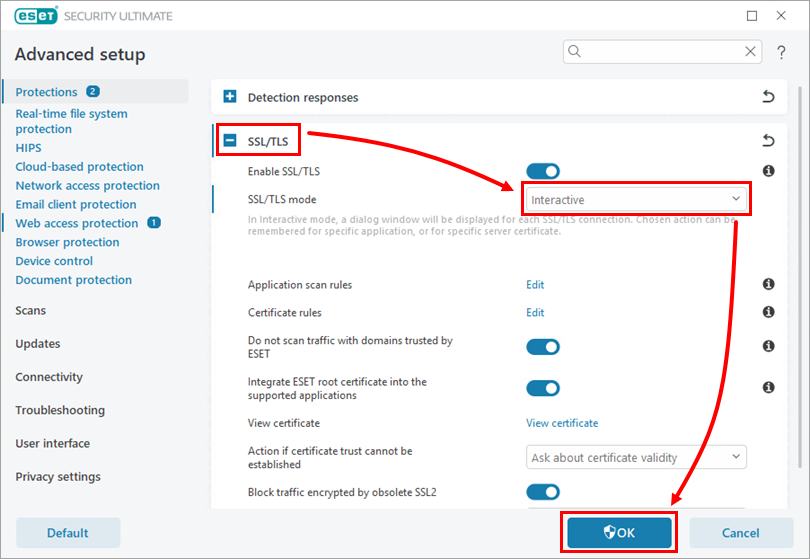
Expand SSL/TLS, select Interactive from the SSL/TLS mode drop-down menu, and click OK.
-
Attempt to access the website or service being blocked by ESET (for example, open a web app or attempt to print a file).
-
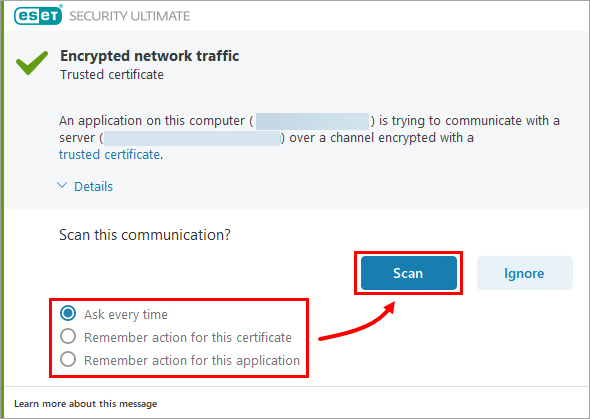
The Encrypted network traffic dialog will prompt you to select an action. Select one of the following options and click Scan.
- Ask every time: This will allow communication with the service or device one time; you must repeat this action the next time you attempt to access this service or device
- Remember action for this certificate: This will examine the certificate and allow communications
- Remember action for this application: This will examine the app and allow communications
-
Open the main program window of your Windows ESET application.
-
Press the F5 key to access Advanced setup.
-
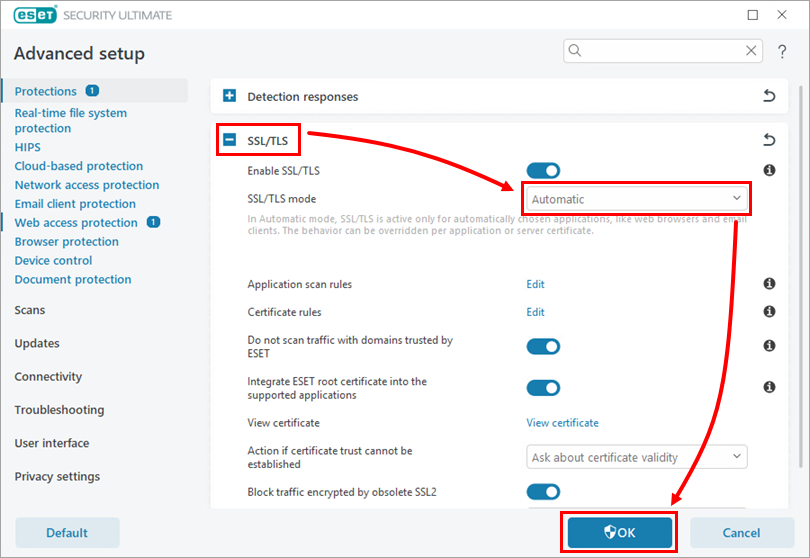
Expand SSL/TLS, select Automatic from the SSL/TLS mode drop-down menu, and click OK.
-
Click OK to save your changes.