Issue
-
Verify that Anti-Theft is working on your device
Solution
-
Log in to your ESET HOME account.
-
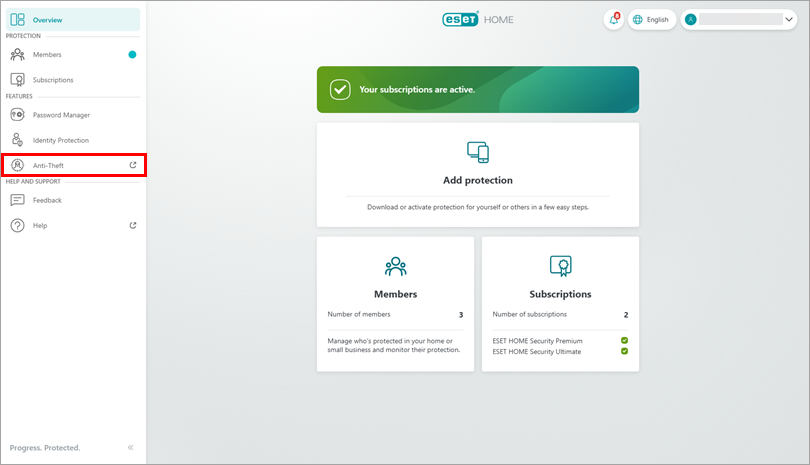
In the navigation menu, click Anti-Theft.
-
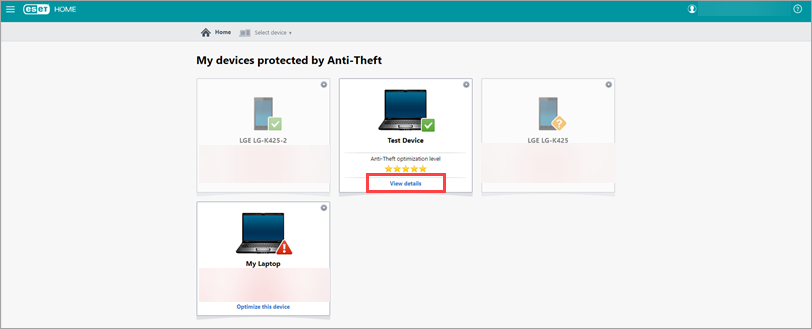
Choose the device on which you want to run the test and click View details on its tile.
-
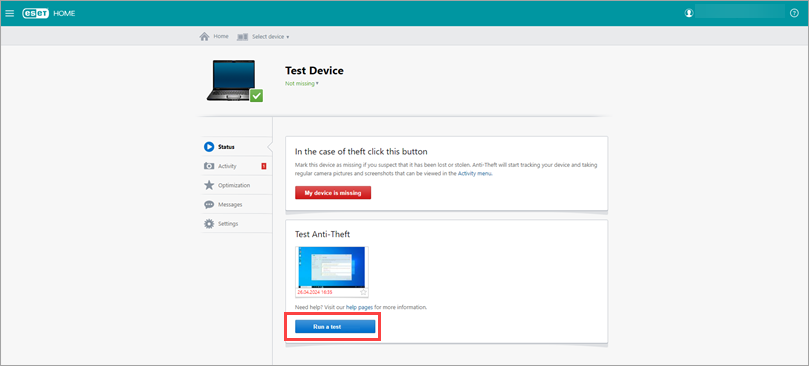
Click Run a test. Read more about running an ESET Anti-Theft test.
-
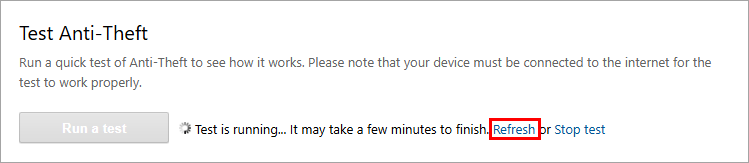
Wait for Anti-Theft to connect to your device. It may take a few minutes. If it takes longer than expected, click Refresh.
-
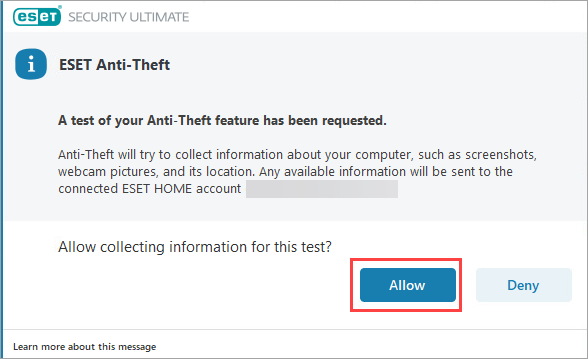
On the device where you triggered the test, click Allow in the ESET Anti-Theft notification.
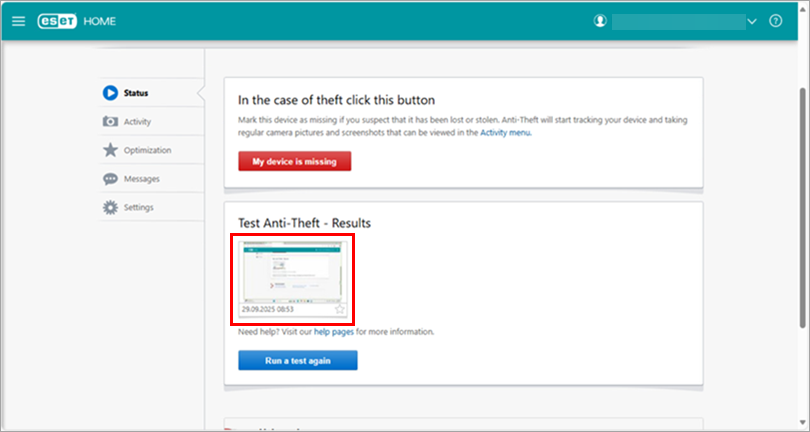
When the test finishes, a screenshot of your device's screen taken during the test appears in Anti-Theft, and you receive an email notification about the collected data.