Issue
- Delete non-connecting devices from ESET PROTECT or ESET PROTECT On-Prem if the uninstall task fails
Solution
-
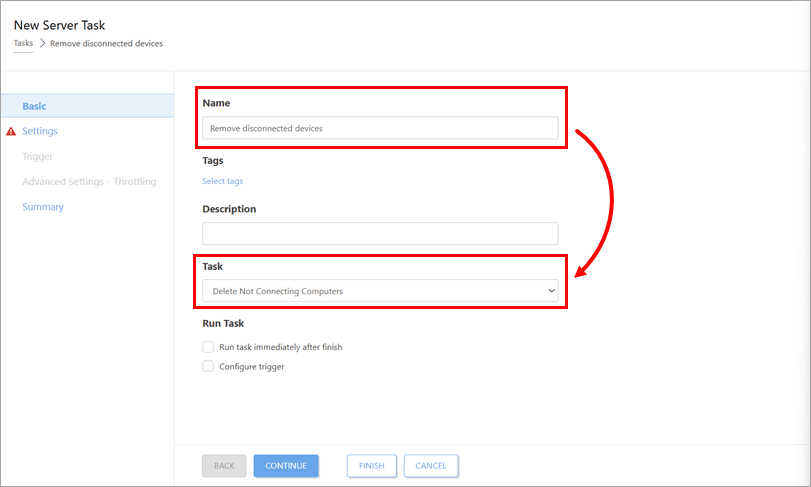
Under Basic, type a Name for the task and in the Task drop-down menu, select Delete non connecting computers.
-
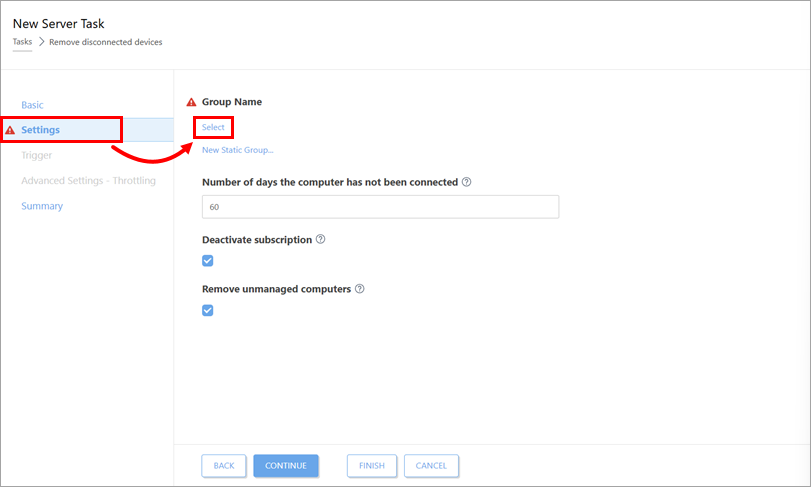
Click Settings and below Group Name, click Select.
-
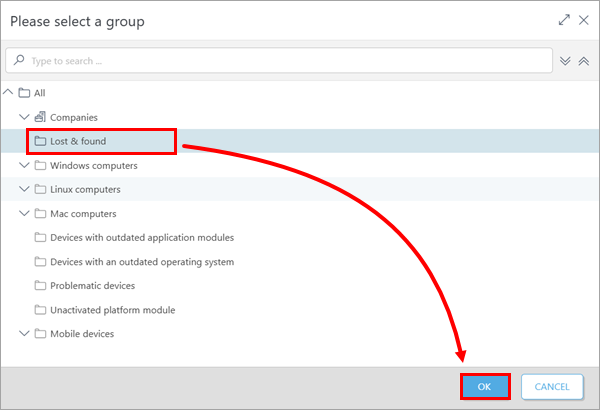
Select the group from which you want to delete the non-connecting devices and click OK.
-
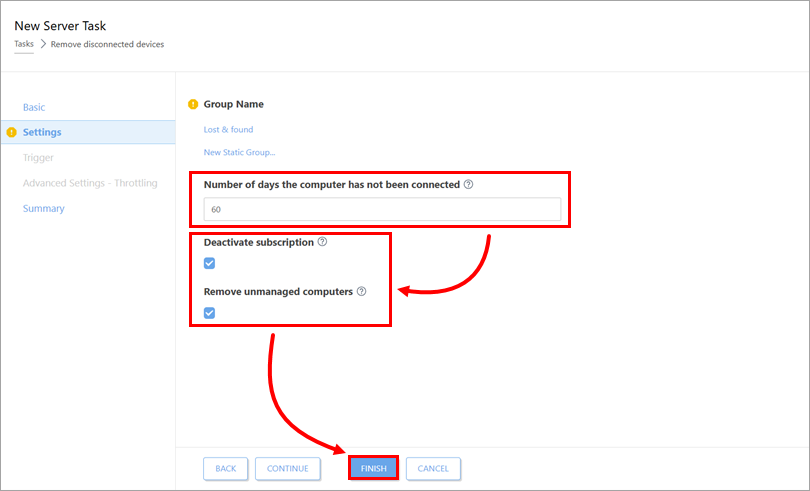
In the Number of days the computer has not been connected field, type the number of days after which a device is considered non-connecting. Verify that the check boxes below Deactivate License and Remove unmanaged computers are selected. Click Finish.