Issue
- Open the ESET Mobile Security for Android on your Android mobile phone
Solution
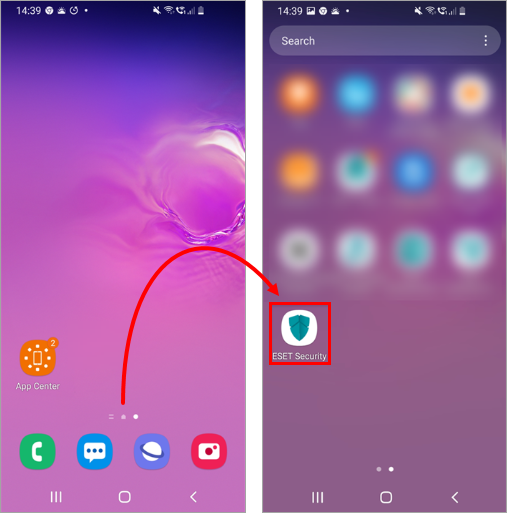
Open the All apps screen and tap the ESET Mobile Security for Android icon.
On the home screen, access the All apps screen (for example, by swiping up from the bottom to the top), then tap the ESET Mobile Security for Android icon.