Solution


I. Purchase a subscription
To upgrade the trial version of your ESET Windows home product to the full version, you must first purchase a subscription. After completing the purchase, you will receive an email from ESET (noreply@orders.eset.com) with a new Activation Key. If you have already purchased a subscription, activate your Activation Key.
-
Click Buy subscription and follow the instructions from the ESET online store to purchase your product. For personalized assistance in North America, call 866-343-3738, option 1 (Monday – Friday, 6:00 a.m. – 6:00 p.m., PST).
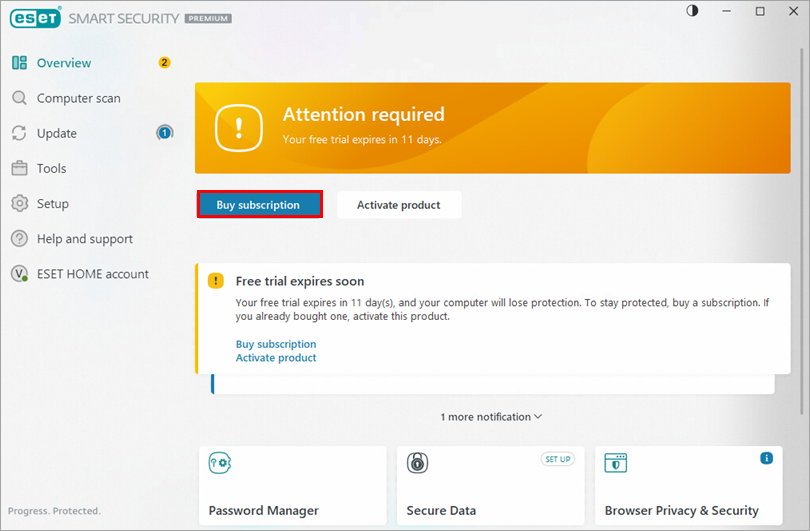
Figure 1-1
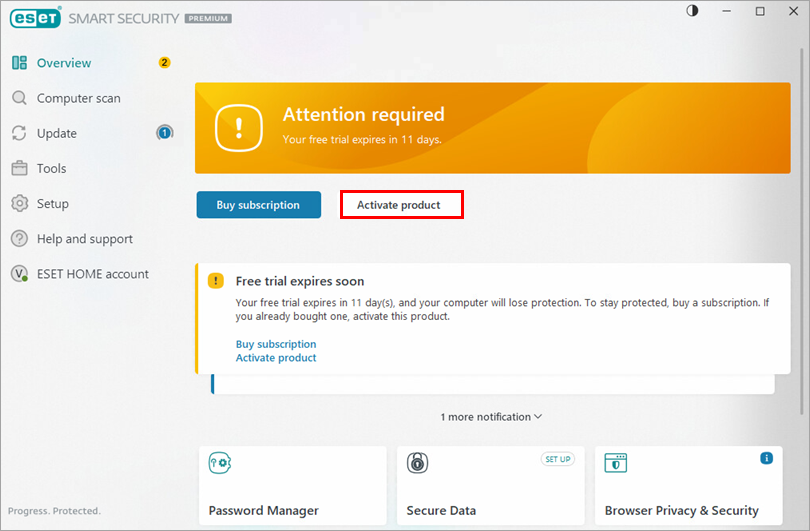
-
Click Use a purchased activation key.
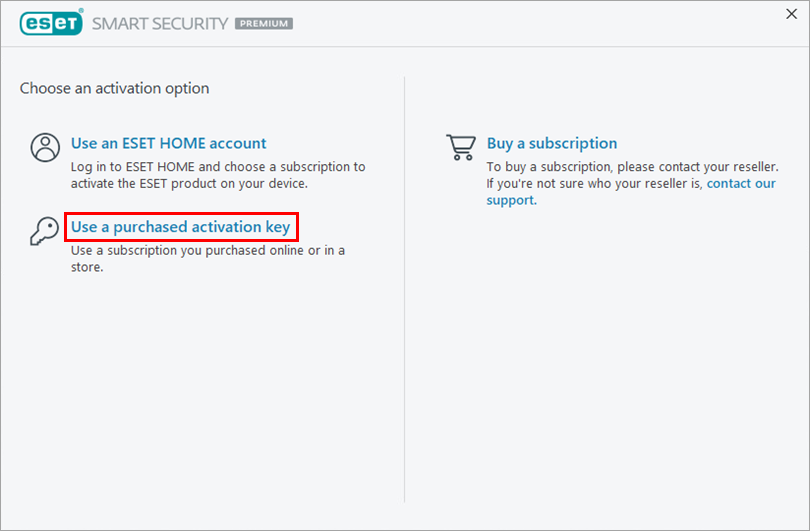
Figure 2-2
-
Type or copy/paste the Activation Key from the noreply@orders.eset.com email following your purchase into the blank field and click Continue. Click here if you do not have an Activation Key or did not receive an email with subscription info following your purchase.
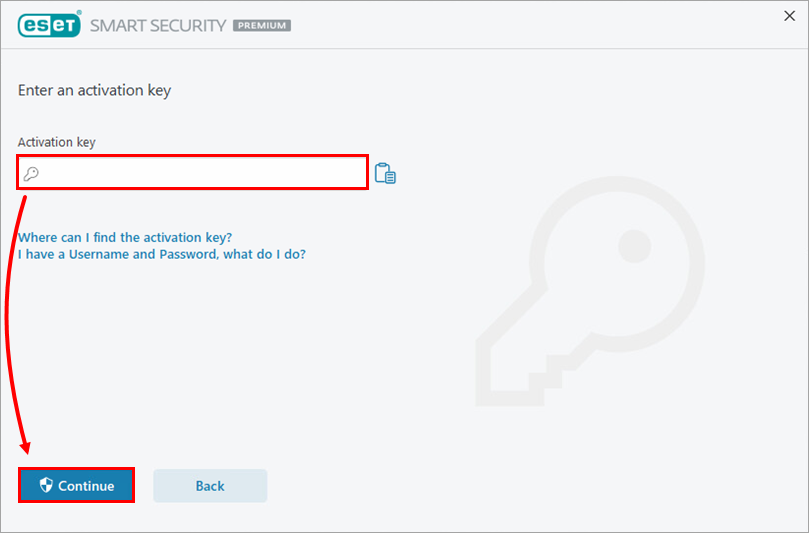
Figure 2-3 -
Click Activate.
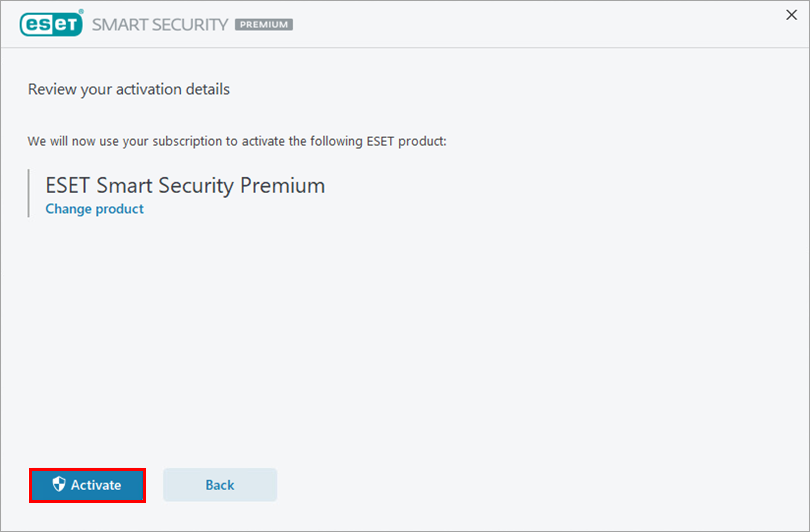
Figure 2-4
-
Click Done. Your product is now activated and fully functional.
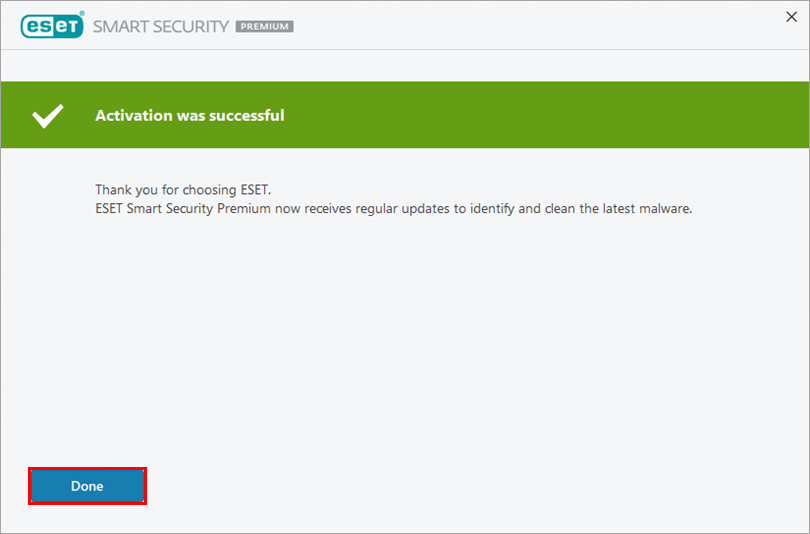
Figure 2-5


