Issue
- Activate protection in an ESET endpoint application installed on your endpoint or server device
- Activate protection in an ESET endpoint application with an offline activation file
Solution
Related solution: Managed users
Typically, the protection is activated during the ESET endpoint application installation. To activate the protection after installation, follow the steps below:
-
Open the main program window of your ESET Windows application.
-
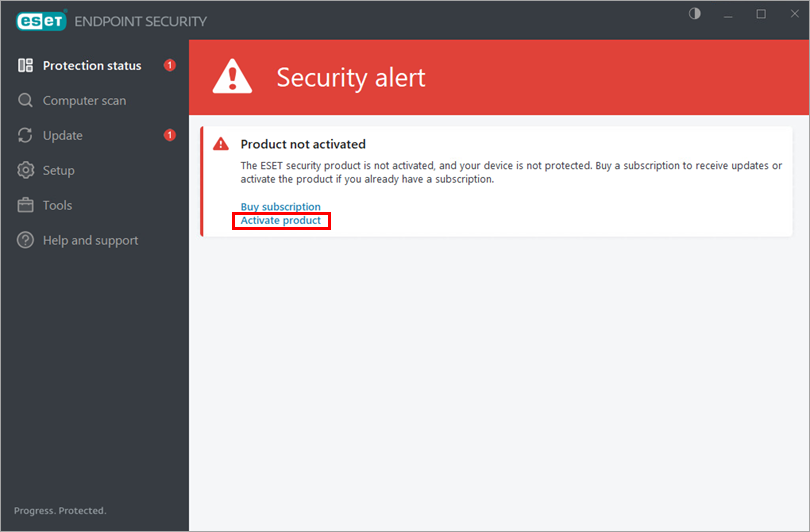
Click Activate product in the main program window.
-
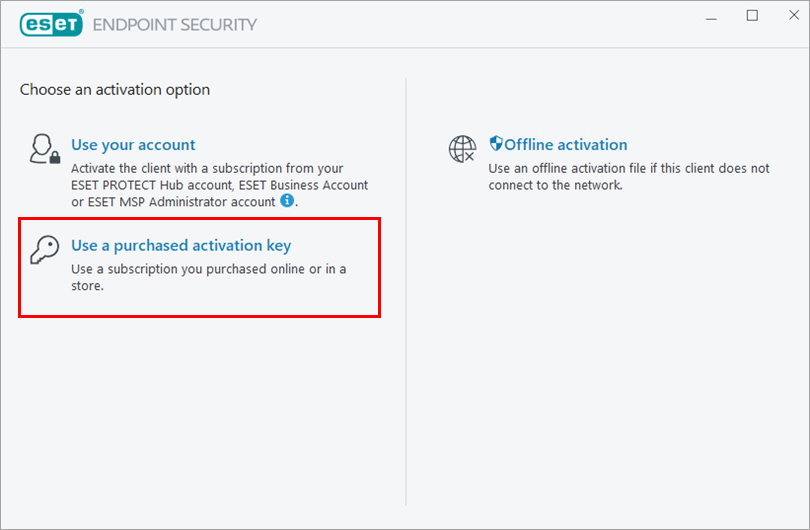
Click Use a purchased activation key.
-
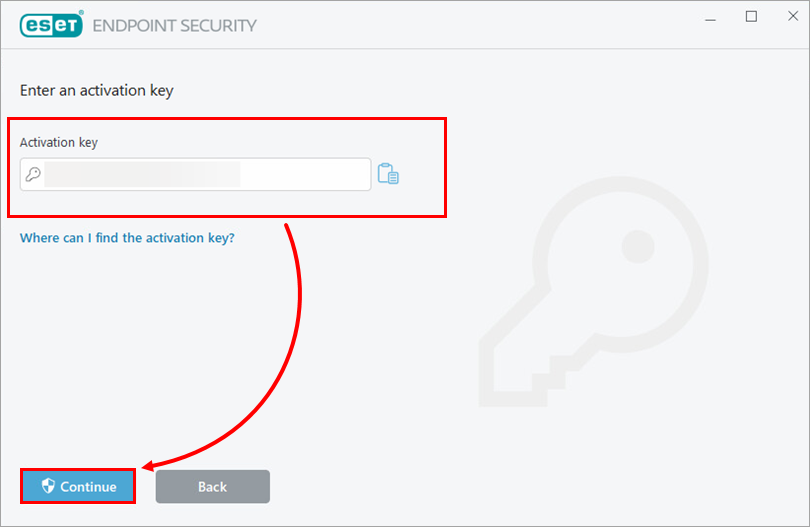
Type your activation key and click Continue.
-
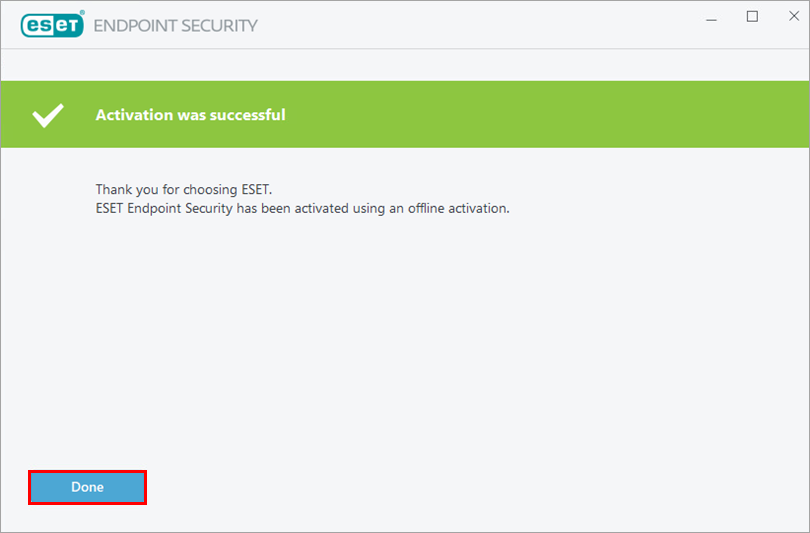
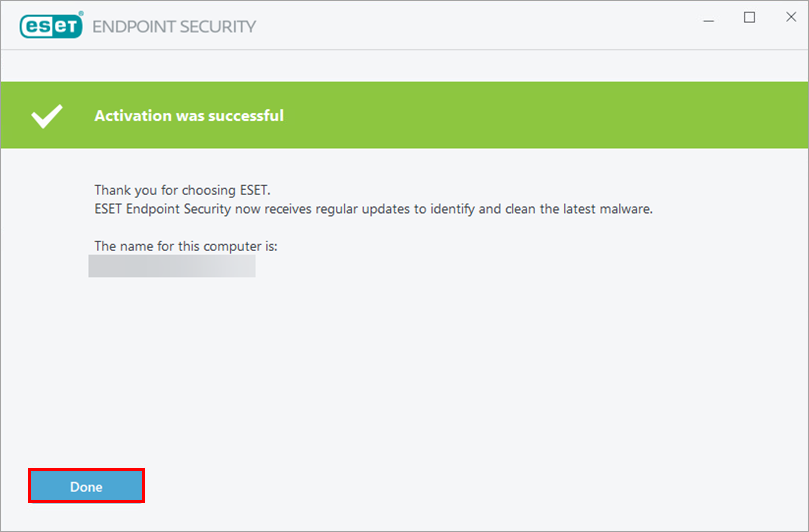
Click Done.
Activate protection in an ESET endpoint application with an offline activation file
-
Open the main program window of your Windows ESET application.
-
Click Activate product in the main program window.
-
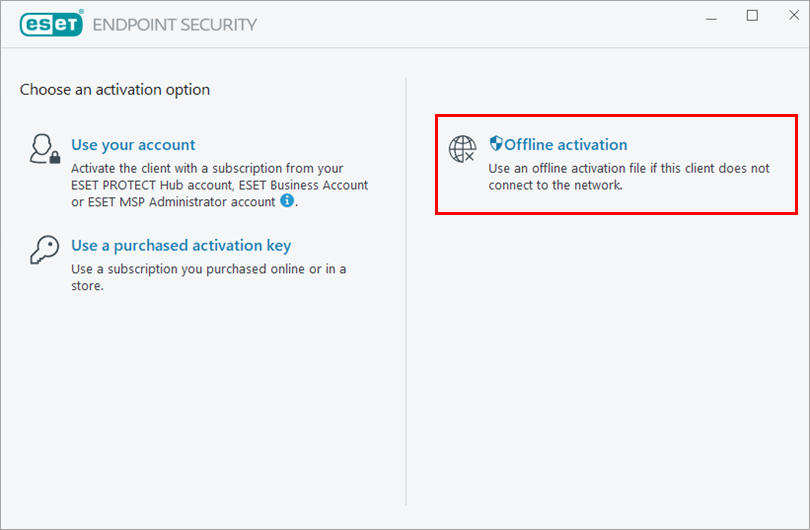
Click Offline activation.
-
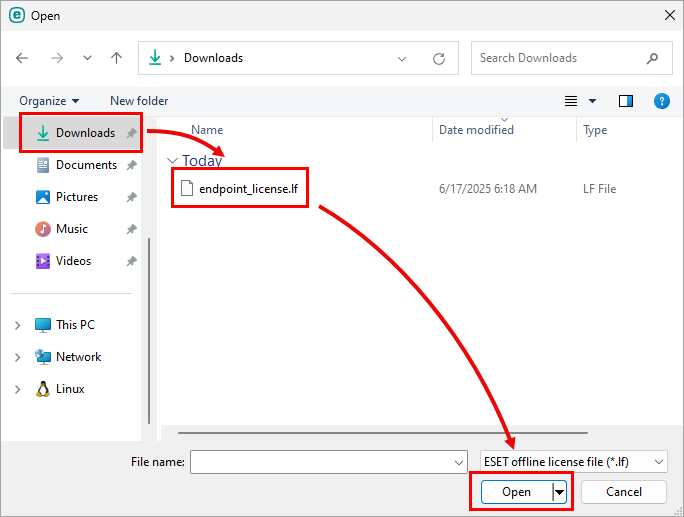
Navigate to the (
.lf) offline activation file and click Open.See how you can create an offline activation file.
-
Click Done.