Issue
- Activate and configure the ESET Identity Protection feature in ESET HOME
Details
Click to expand
ESET Identity Protection is available to customers with the ESET HOME Security Ultimate subscription and only to the owner of the ESET HOME account where the subscription is added.
To activate ESET Identity Protection, you must have created your ESET HOME account password and set up Two-Factor Authentication (2FA).
Solution

-
Log in to your ESET HOME account.
-
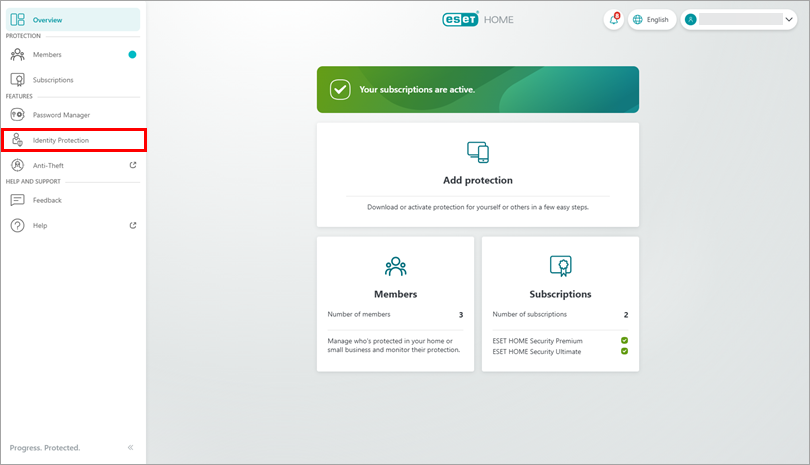
In the navigation panel, click Identity Protection
-
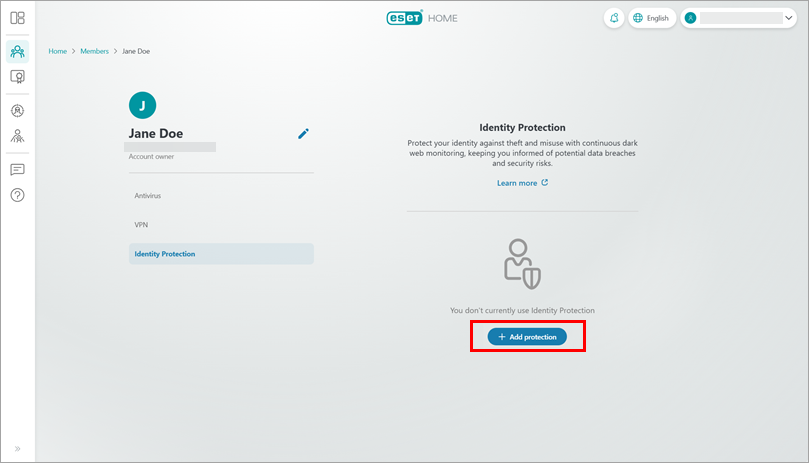
Click Add protection.
-
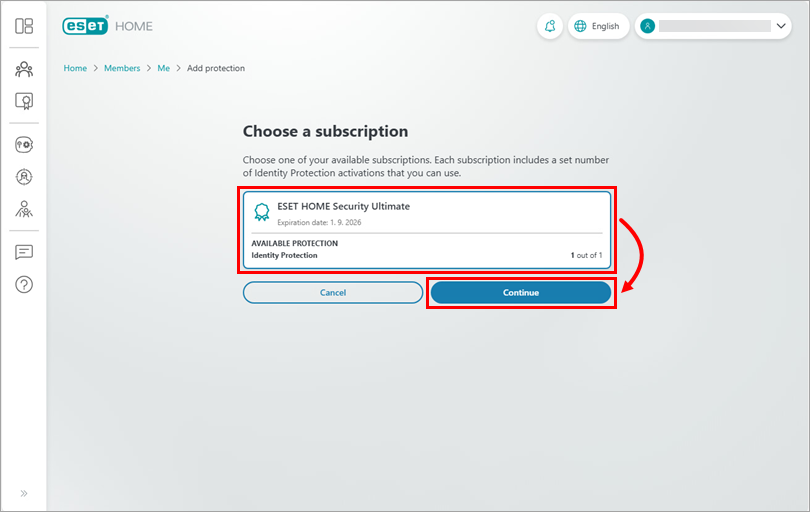
Choose a subscription to use for Identity Protection and click Continue.
-
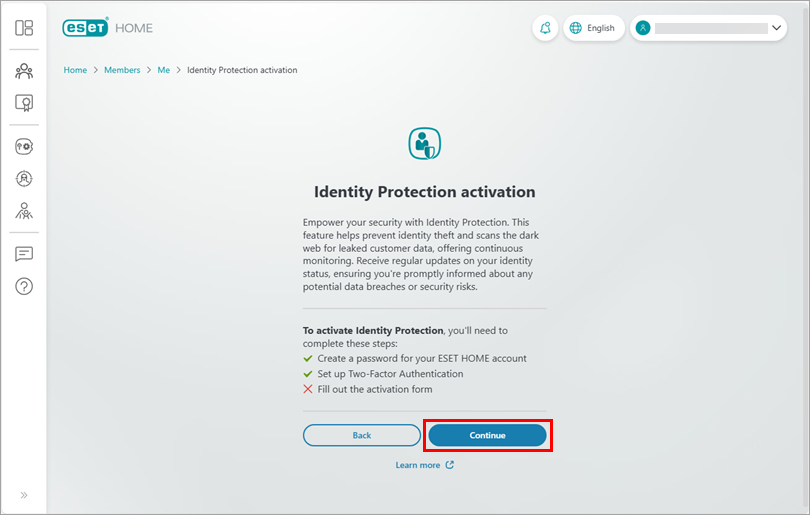
Click Continue.
-
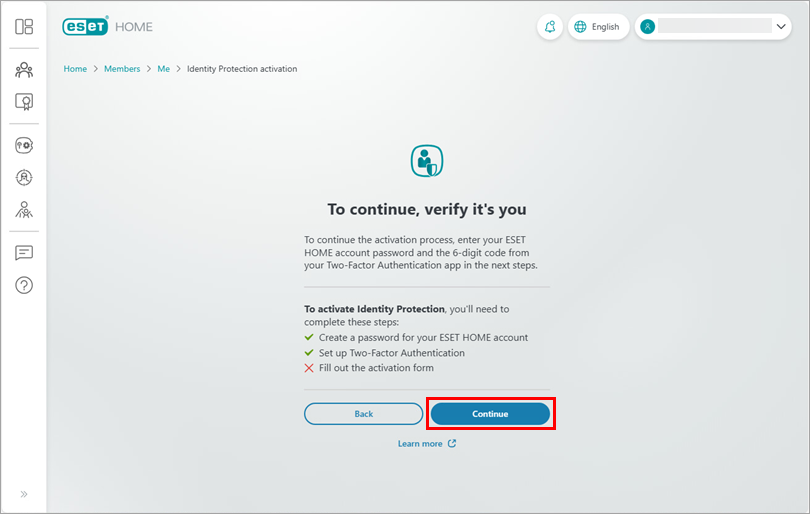
Click Continue.
-
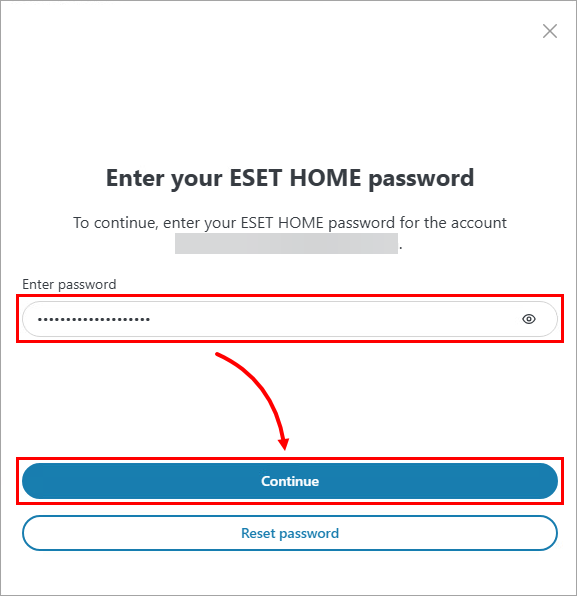
Type your ESET HOME password and click Continue.
-
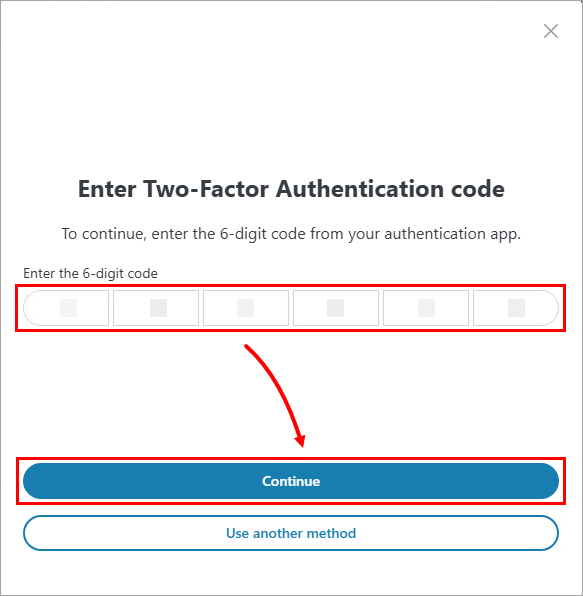
Type the 6-digit code from your authentication app and click Continue.
-
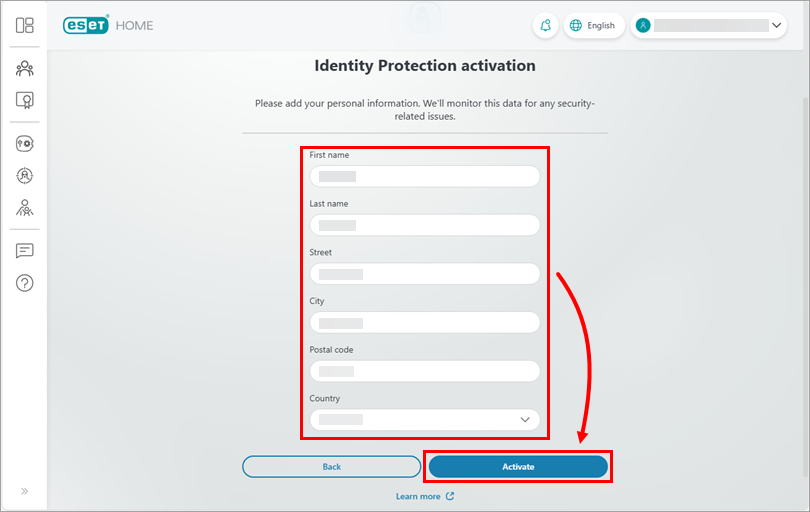
Fill in your personal information and click Activate.
-
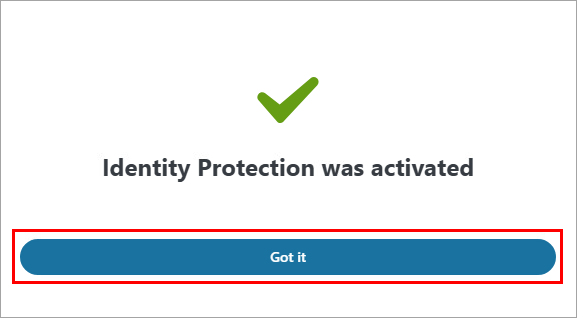
ESET Identity Protection is now successfully activated. Click Got it and start using ESET Identity Protection.