Solution
-
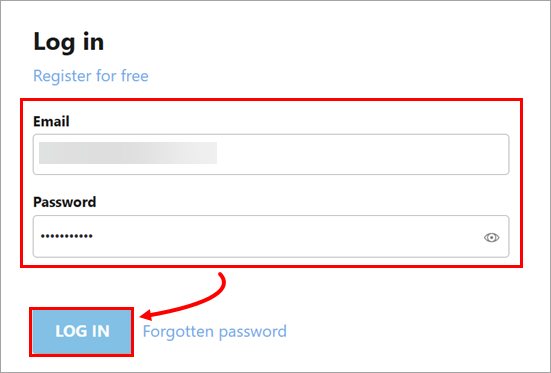
Open ESET PROTECT Hub, type your email address and password and click Log in.
-
If you have not added an ESET PROTECT eligible subscription yet, click Subscriptions → Add subscription, type or copy/paste your subscription activation key and click Add subscription. See eligible subscriptions for ESET PROTECT.
-
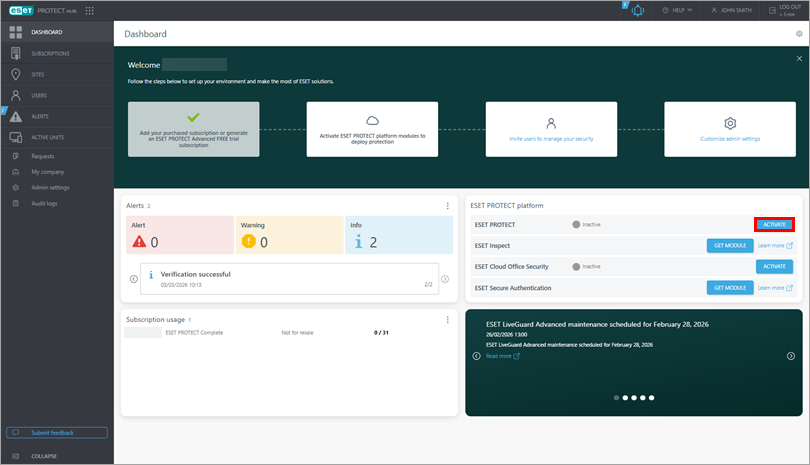
In the ESET PROTECT platform tile, click Activate next to ESET PROTECT.
-
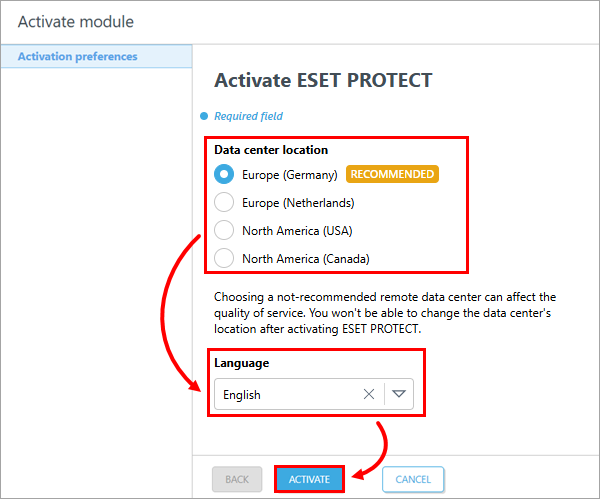
Select the data center location and ESET PROTECT language and click Activate.
-
Wait for the ESET PROTECT activation to complete. If you have a subscription that is also eligible for ESET Inspect, your ESET Inspect instance will be activated too.
-
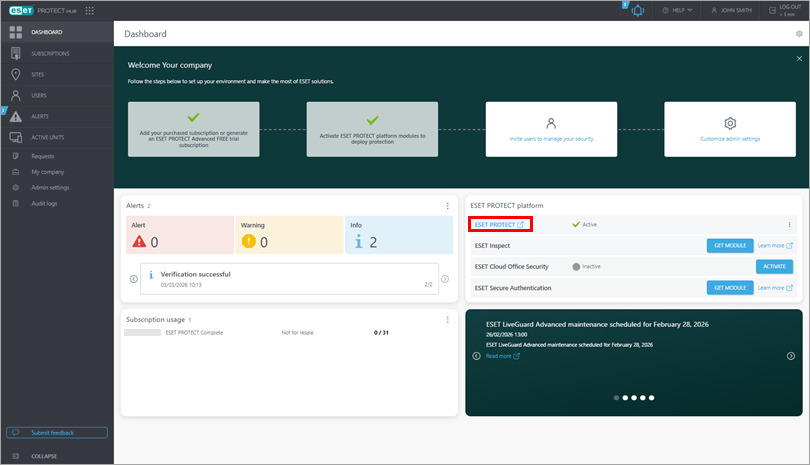
In the ESET PROTECT platform tile, click ESET PROTECT to open the ESET PROTECT Web Console.
-
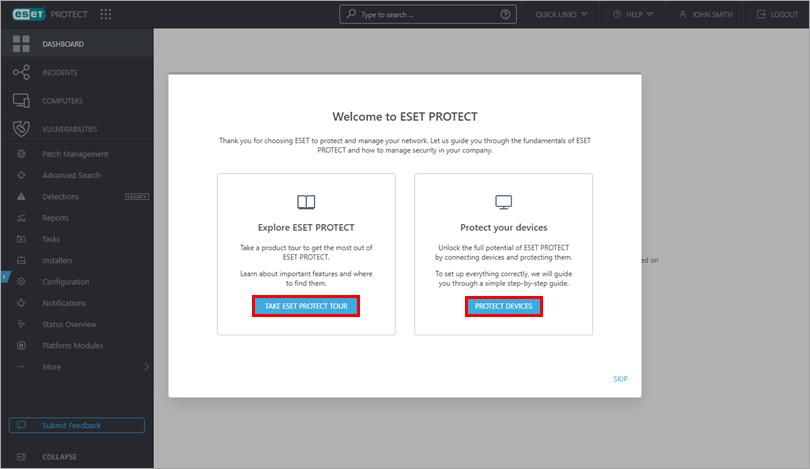
In the Welcome to ESET PROTECT window, you can:
- Click Take ESET PROTECT tour to explore ESET PROTECT.
- Click Protect devices to create ESET application installers and enroll your devices into your ESET PROTECT.
For more information about ESET PROTECT, see ESET PROTECT Online Help.


