Solution
-
Open ESET Smart Security or ESET NOD32 Antivirus. How do I open my ESET product?
-
Click Computer scan → Custom scan.
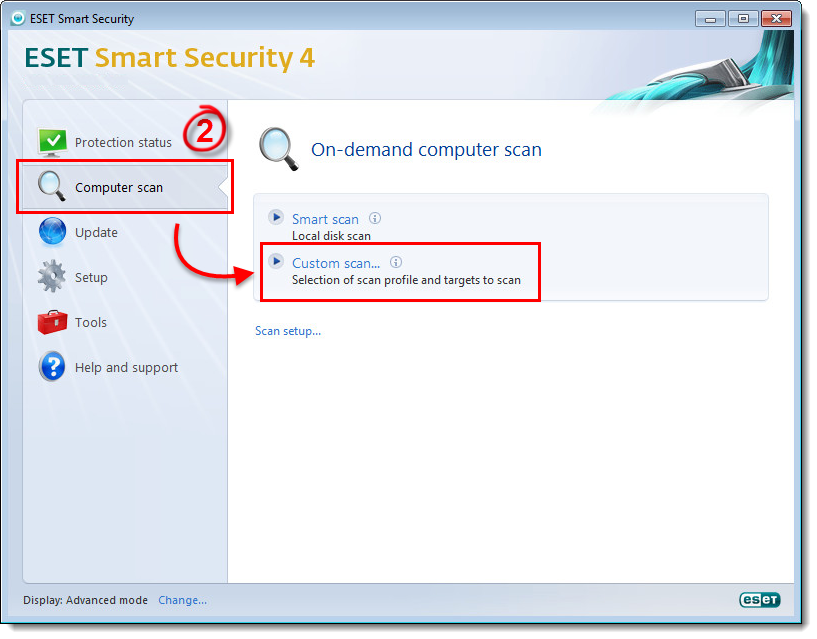
Figure 1-1
Click the image to view larger in new window -
Locate the file or folder you want to exclude from the scan process, and verify that its check box next to it is deselected. Click Scan to start the scanning process. All folders (and files within those folders) that have been deselected will not be included in the On-demand scan.
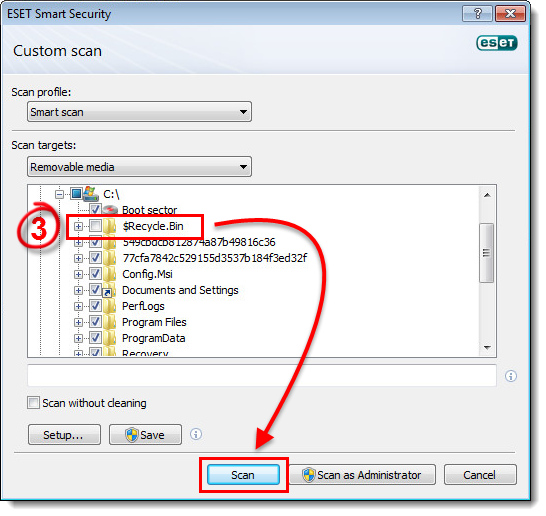
Figure 1-2


