Issue
- Verify that client workstations have received the latest detection engine and modules updates
Details
Click to expand
By default, ESET applications check for updates every hour and are updated at least once a day with new detection engine updates and occasional program component updates. If a client workstation has yet to download the latest detection engine update, you can trigger this update manually by following the steps in this article.
Solution
Related solutions: Home and small office users | ESET PROTECT or ESET PROTECT On-Prem users
-
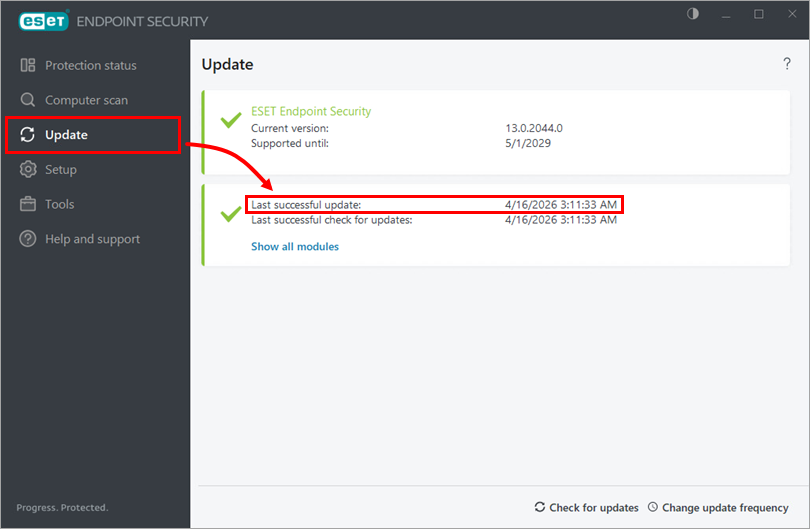
Click Update. You can verify a successful update by checking the Last successful update date and time.
-
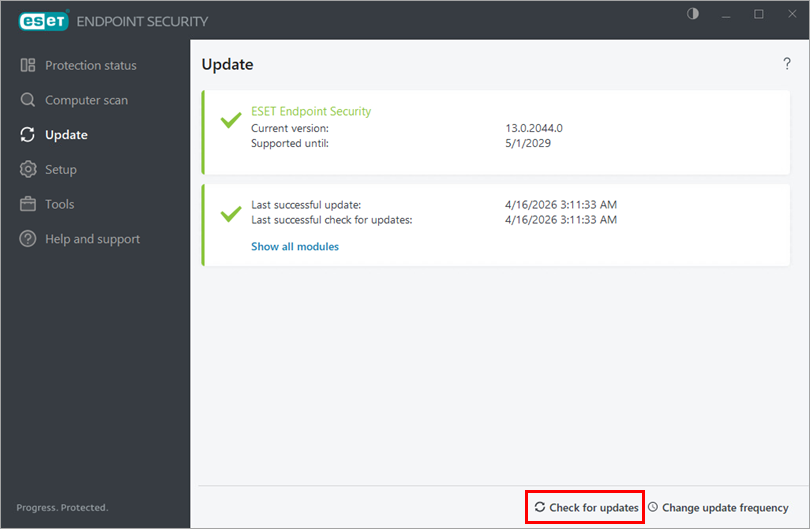
To download the latest Detection Engine update, click Check for updates.
-
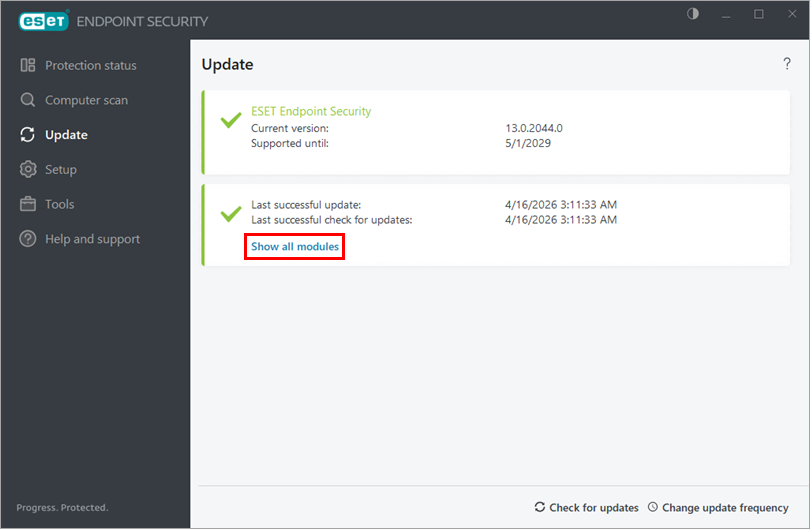
To check the installed versions of the Detection Engine and product modules, click Show all modules.