Issue
- You want to delete a quarantined file in ESET Cyber Security
Solution
The quarantine in ESET Cyber Security contains backups of files that have been detected, cleaned or removed by your ESET product.
-
Click Tools → Quarantine.
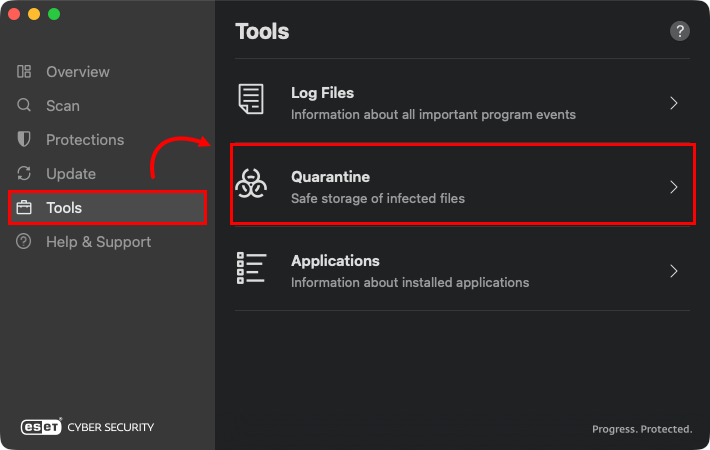
Figure 1-1 -
Control-click (right-click) the file you want to delete, and click Delete from the context menu.
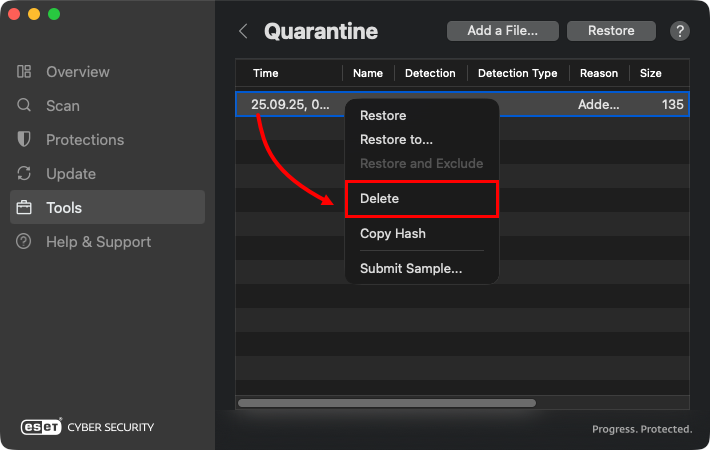
Figure 1-2 -
When prompted, click Delete. The quarantined files are now removed entirely from your computer.
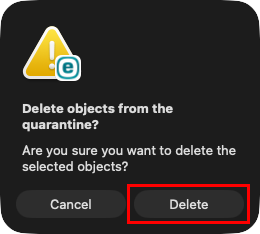
Figure 1-3


