Issue
Solution
Register for the ESET Services HUB account
ESET Services HUB is available only for ESET Services subscribers. If you are interested in ESET Services, visit the ESET business store or contact your local representative to register for the service.
Activate the ESET Services HUB account
-
Look for an email with the subject "ESET Services HUB - Complete your registration" in your inbox.
-
Open the registration email and click the Complete Registration button.
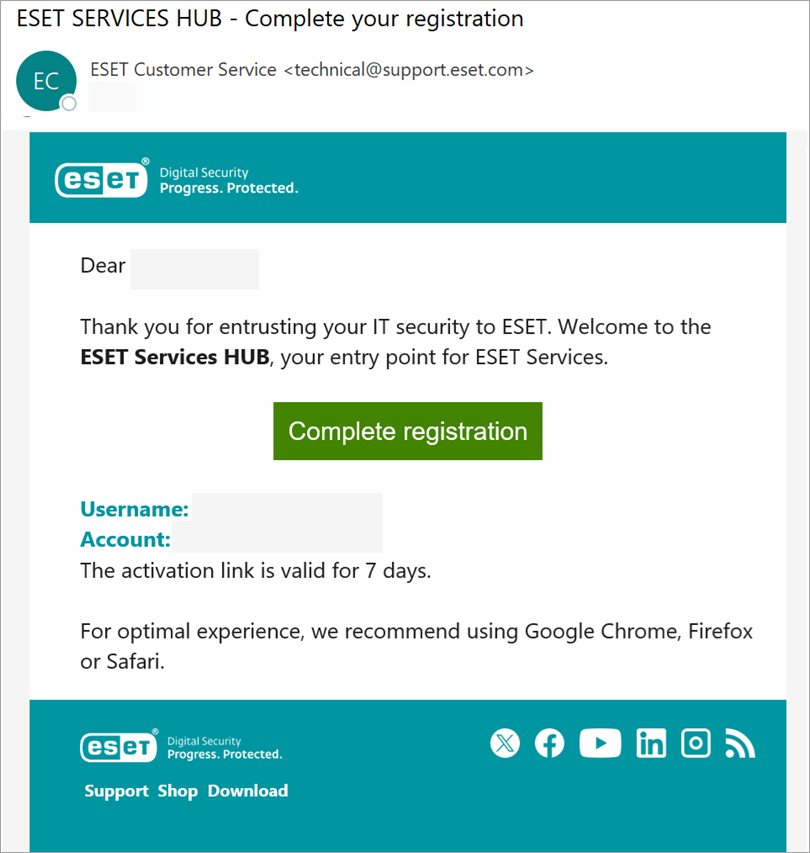
Figure 1-1 -
A Complete your profile screen will appear in your web browser.
-
Type your First name, Last name, Email into respective fields. Type your password in the Password and Confirm password fields.
-
Read the Terms of Use and Privacy Policies.
-
Select the check box next to "I agree to ESET Terms of Use..." and click Continue.
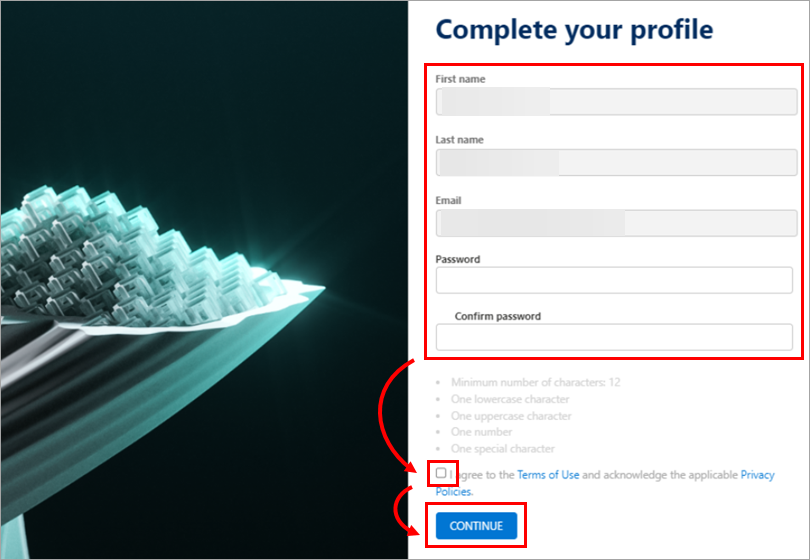
Figure 1-2 -
Access the Dashboard.
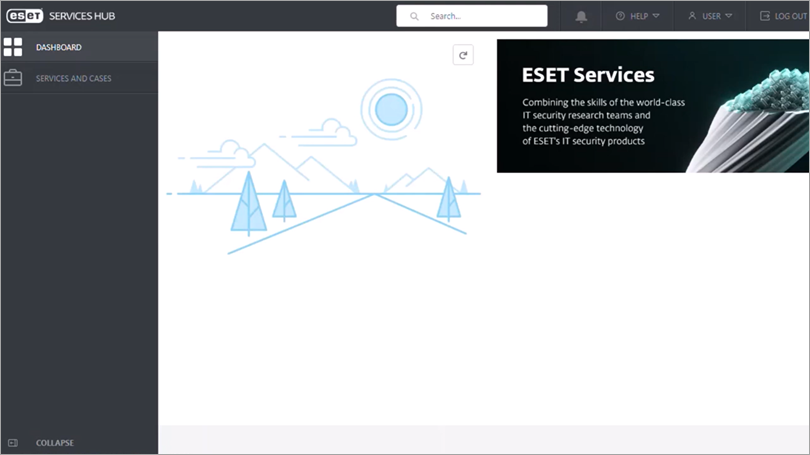
Figure 1-3
After registration is completed, you can:
- Create or view a service case
- Get an overview of the services to which you have subscribed
- Check your current usage status
- See your service history
- Communicate with ESET Services professionals
For more information, see the ESET Services HUB Online Help guide.


