Issue
Solution
Check by Proxy Sync
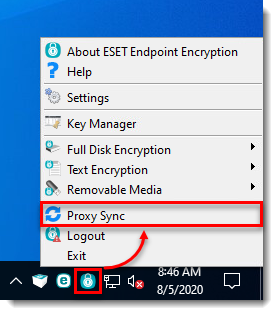
Right-click the ESET Endpoint Encryption icon in the system tray. If the Proxy Sync option is available, the client is managed by an EEE Server.
Check in About ESET Endpoint Encryption
-
Right-click the ESET Endpoint Encryption icon in the system tray, then select About ESET Endpoint Encryption. If the EEE icon is not available, click the arrow to show hidden icons.
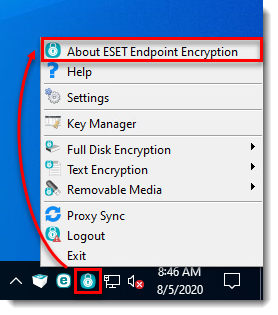
Figure 2-1 -
The Installation Type will display the type of system.
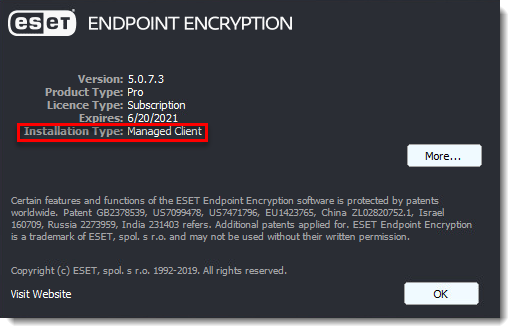
Figure 2-2


