Issue
I don't know how to change my FDE login username
Solution
To manually change a User's Full Disk Encryption (FDE) login username, please follow these steps:
- Locate the Workstation and view the Workstation Details in your ESET Endpoint Encryption Server.
- Click the FDE Logins tab.

- Select the User and click Change.
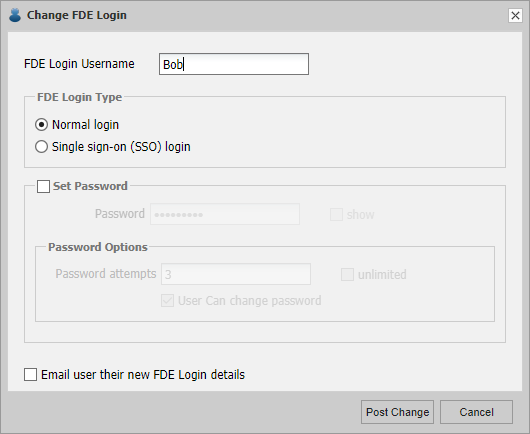
- Change the FDE Login Username.
- Click Post Change.
- You will then be required to Proxy Sync from the client machine for the change to take effect.


