Solution
Your Product ID/Username and Product Key/Password, are emailed to you when you purchase the license.
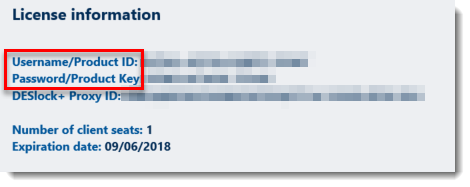
Figure 1-1
If you lose or forget your Product ID, follow the instructions below to recover it.
- Log in to ESET Endpoint Encryption (EEE). Visit our Knowledgebase article for instructions to log in to or log out of ESET Endpoint Encryption.

Figure 1-2
- Right-click the EEE icon and click About ESET Endpoint Encryption.

Figure 1-3
- Click More.
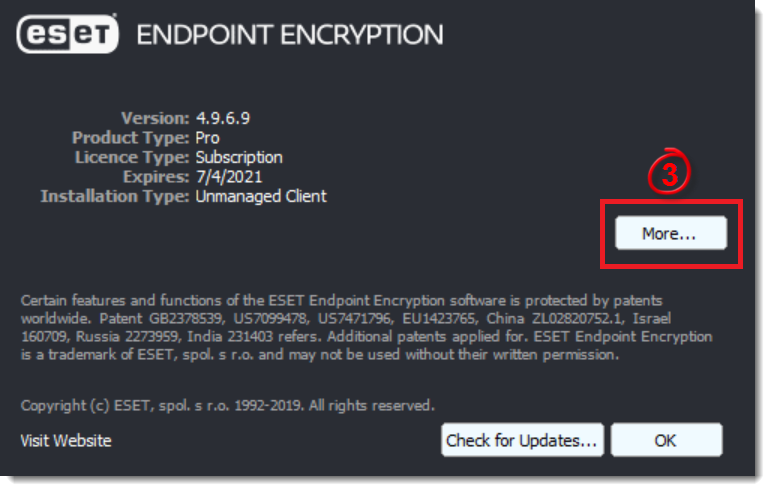
Figure 1-4
- The Product ID is displayed.
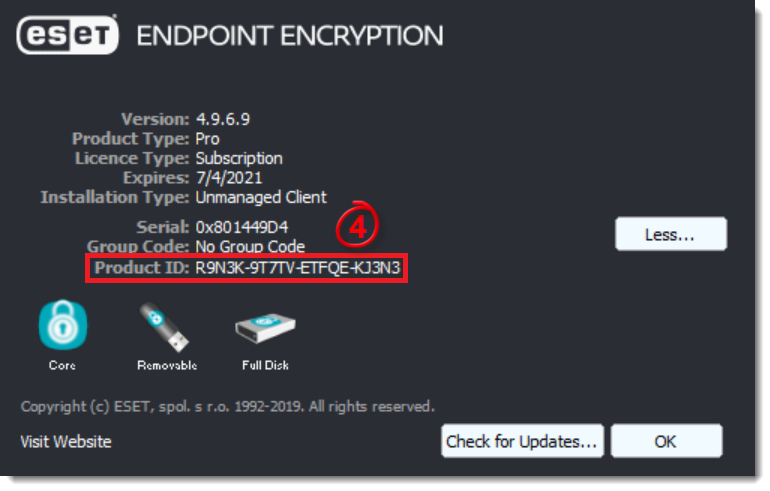
Figure 1-5


